















Now Reading: Walking Pads for Home Offices: Best Budget Options Reviewed (2026)
-
01
Walking Pads for Home Offices: Best Budget Options Reviewed (2026)


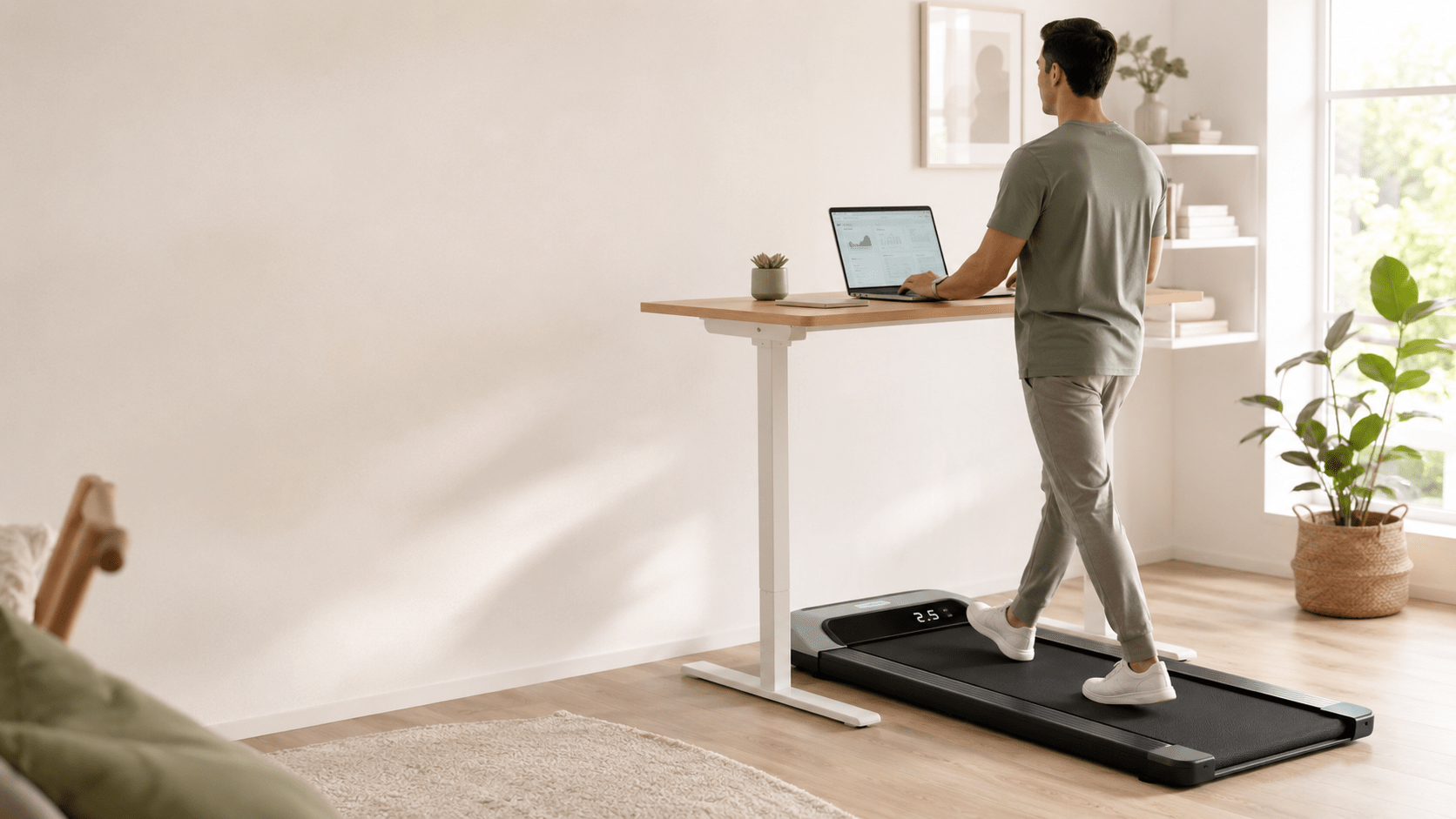
If your commute is now a hallway and your step count has cratered since you started working from home, you’re not alone.
A walking pad — a slim, motorized treadmill built to sit under a standing desk — is one of the few pieces of home fitness equipment that lets you reclaim movement without carving out extra time in your day. You just turn it on and keep working.
The catch is that the market is flooded with near-identical-looking boxes from brands you’ve never heard of, priced anywhere from $130 to $500+, and it’s genuinely hard to tell which ones are worth your money.
We dug through specs, owner reviews, and hands-on testing notes from multiple review outlets to put together a shortlist of the best budget walking pads for a home office setup in 2026 — along with a buying guide that explains exactly what separates a good desk companion from an annoying one.
Table of contents
Why Bother With a Walking Pad?
The case for walking while you work isn’t just marketing.
A 2021 systematic review in BMC Public Health, covering 13 studies and more than 350 participants, found that walking-pad use raises energy expenditure by roughly 105 calories per hour compared with sitting, and cuts workday sitting time by about 1.7 minutes per hour of use.
Other researchers, including Dr. James Levine of the Mayo Clinic — who popularized the concept of NEAT (non-exercise activity thermogenesis) — have shown that this kind of low-intensity, all-day movement can add up to a meaningful calorie deficit over a week, even at speeds as low as 1–2 mph.
There are trade-offs worth knowing before you buy:
- Typing and fine motor tasks get harder above ~1.5 mph. Research on treadmill-desk users has found the “sweet spot” for typing accuracy sits around 1.4 mph — plenty for calls, reading, and admin work, but not ideal if you’re doing detailed data entry.
- It won’t replace real cardio. Don’t expect to raise your VO2 max walking at 2 mph while answering emails. Think of a walking pad as a tool for cutting sedentary time, not a substitute for a workout.
- Clinical markers move slowly. The same 2021 review found no statistically significant change in blood pressure, blood glucose, or BMI from walking-pad use alone — the real win is simply moving more and sitting less, which compounds over months.
In short: a walking pad is genuinely good at solving “I sit for 8 hours a day and my joints and energy levels are paying for it.” It’s not going to turn your home office into a gym.
What to Look for in a Walking Pad for Home Office Use
Not every walking pad is built with desk work in mind — plenty are designed for a living room or a gym corner. If you’re specifically shopping for something to run under a standing desk, prioritize these factors:
Noise level
This is the single biggest complaint among home-office users. A walking pad that’s fine in a spare bedroom can be genuinely distracting on a video call. Look for machines that measure at or below roughly 50 decibels at a working pace (1.5–2.5 mph) — that’s about the volume of a quiet conversation and should stay below what a laptop microphone picks up. Many budget models also let you mute the on-screen beep, which matters more than people expect once you’re using it daily.
Deck height and desk clearance
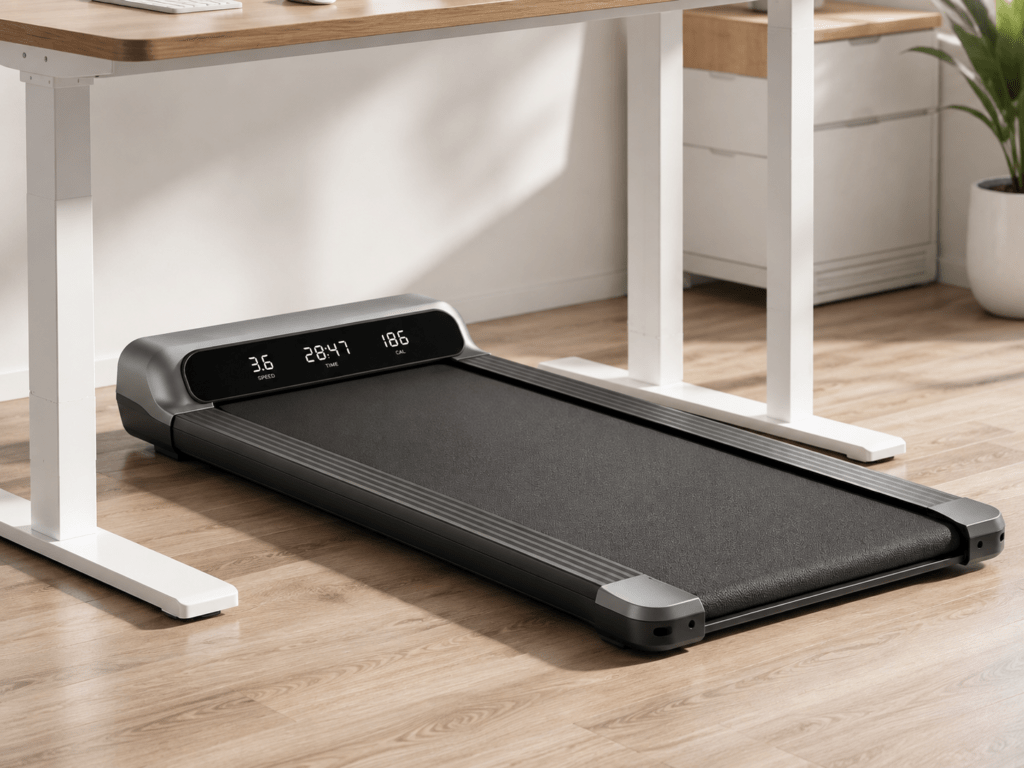
Most walking pads measure between 4 and 6.5 inches tall. Before buying, measure the clearance under your standing desk at its lowest usable height (with your keyboard tray, if you have one) and compare it against the pad’s listed height, not just its footprint. A couple of inches makes the difference between “slides right under” and “doesn’t fit.”
Belt size
Budget walking pads typically run 15–18 inches wide and 36–47 inches long. Wider and longer decks are more forgiving if your stride drifts while you’re focused on a screen, but they also take up more floor space and are harder to store. If you’re tall or have a longer stride, lean toward the larger end of that range.
Motor power and speed range
Most home-office-oriented pads use a 2.0–3.0 HP (or CHP) motor and top out between 3.7 and 6.2 mph — plenty for walking, though a few “2-in-1” models stretch to 7.5–10 mph for light jogging when the handlebar is raised. For pure desk walking, motor size matters less for top speed and more for how smoothly the belt runs at very low speeds (0.5–1.5 mph) without stuttering.
Weight capacity
Budget pads generally support 220–320 lbs, with a handful of reinforced models rated up to 375–400 lbs. Buy with some margin above your actual weight — a pad running near its rated capacity tends to wear out faster and feel less stable.
Incline
Flat is usually better for multitasking, since an incline shifts your center of gravity and makes it harder to type or stay steady during calls.
If you want the option to switch between an easy desk-walk and a more intense session, look for pads with a manual or auto incline you can toggle off completely rather than one that’s fixed.
Controls: remote vs. app
A physical remote (ideally with a wrist strap or a magnetic mount so you don’t lose it) is more useful day-to-day than an app, because you don’t want to unlock your phone to slow down mid-call. App integration is a nice bonus for logging workouts or connecting to platforms like Zwift, but don’t pay a premium for it if a simple, reliable remote does what you need.
Portability
Look at actual shipping weight (most budget pads run 40–80 lbs) and whether it has transport wheels and either folds flat or stores upright.
If moving it means wrestling a 70-lb machine across the room, you’ll use it less — convenience is what actually determines whether it gets used after the first month.
Best Budget Walking Pads for a Home Office
Prices fluctuate constantly on Amazon, so treat the ranges below as a guide rather than a guarantee — check the current listing before you buy.
1. WalkingPad C2 — Best Known Brand, Foldable Design
Typical price: ~$250–$300
WalkingPad (from Xiaomi’s ecosystem) is one of the original names in this category, and the C2 is its budget-friendly, folds-in-half model. Unfolded it’s about 57″ x 20″ x 5″ tall; folded, it drops to roughly 32″ long and 5.5″ tall, so it tucks under a bed or sofa easily. It runs a 2.0 HP motor, tops out around 3.7–4 mph (deliberately capped for safe under-desk walking), and supports up to 220 lbs. It comes in five colors, connects to the KS Fit app for workout tracking, and has a clean, minimal LED display. The trade-off is a lower weight capacity than some rivals and a step up in price versus true entry-level pads — you’re partly paying for the recognizable brand and build quality.
2. UREVO SpaceWalk E4 — Best All-Around Quiet Pick
Typical price: ~$180–$230
The SpaceWalk E4 is built specifically around office use: a 2.5 HP motor, a 265-lb weight capacity, and a shock-absorbing 5-layer belt designed to reduce joint impact during long walking sessions. It’s controllable via remote or the UREVO app, includes a mute option for the beep, and its low-profile frame (around 4.5″ tall) slides under most standing desks.
It’s a strong middle-ground pick if you want app tracking and a smooth, quiet motor without paying WalkingPad-brand prices.
View UREVO SpaceWalk E4 on Amazon
3. Goplus 2-in-1 Folding Treadmill — Best for Walk-and-Jog Flexibility
Typical price: ~$180–$300 (varies widely by deal)
The Goplus is one of the few budget pads that genuinely doubles as a light jogging treadmill — fold the handlebar down and it caps at 2.5 mph for safe desk walking; raise it, and it opens up to 7.5 mph for a real cardio session. It runs a 2.25 HP motor, a 265-lb capacity, dual LED displays, and a built-in Bluetooth speaker (reviewers note the speaker quality is nothing special, so don’t buy it for that feature).
At around 39″ x 16″, the deck is on the smaller side, so it’s better suited to shorter strides or careful foot placement at higher speeds.
It’s a good pick if you want one machine that covers both “walk while I answer emails” and “get a quick jog in before a meeting.”
View Goplus 2-in-1 Treadmill on Amazon
4. Sperax Under-Desk Walking Pad — Best High Weight Capacity on a Budget
Typical price: ~$160–$200
Sperax pads consistently punch above their price point on weight capacity, with several models rated up to 320 lbs on a 2.5 HP motor — notably higher than most competitors in the same price bracket.
It’s controllable by remote or the Sperax Fitness app, arrives fully assembled, and keeps noise under roughly 45 dB at typical desk-walking speeds. The trade-off is a smaller, less well-known support network if something goes wrong, and the beep tone on some models can’t be muted, which is worth checking on the specific listing before buying.
View Sperax Under-Desk Treadmill on Amazon
5. DeerRun Q1 Pro — Best for Quiet, Slow-Speed Walking
Typical price: ~$150–$200
If your main goal is quiet, steady walking during calls rather than higher speeds, the DeerRun Q1 Pro is worth a look. It’s built for low-speed use (up to roughly 3.8 mph), stores upright to save floor space, and pairs with the PitPat app for optional guided workouts, though the remote alone covers basic speed control. Owners often flag that it doesn’t count steps on its own display and that the belt is on the shorter side, so it suits people who mostly walk in place at a steady pace rather than those who want to stride out.
Browse DeerRun Q1 Pro listings on Amazon
Quick Comparison
| Model | Motor | Top Speed | Weight Capacity | Noise (approx.) | Best For |
|---|---|---|---|---|---|
| WalkingPad C2 | 2.0 HP | ~4.0 mph | 220 lbs | Quiet | Brand reliability, fold-flat storage |
| UREVO SpaceWalk E4 | 2.5 HP | ~4.0 mph | 265 lbs | Very quiet | All-around home office use |
| Goplus 2-in-1 | 2.25 HP | 7.5 mph (jog mode) | 265 lbs | Moderate | Walking + occasional jogging |
| Sperax Under-Desk | 2.5 HP | ~3.8 mph | Up to 320 lbs | Very quiet | Heavier users, tight budget |
| DeerRun Q1 Pro | — | ~3.8 mph | 300 lbs | Quiet | Slow, steady desk walking |
FAQ
What’s a good budget for a home office walking pad?
Solid, reliable options exist between $150 and $300. Below $150 you’ll typically see thinner belts, weaker motors, and shorter warranties; above $350 you’re usually paying for auto-incline, jogging-grade motors, or premium branding rather than core desk-walking performance.
How loud is too loud for a home office walking pad?
Anything consistently above 55 dB at a normal walking pace will likely be audible on video calls. Look for pads specced or reviewed around 45–50 dB at 2 mph, and check whether the beep/alert tone can be muted separately from the motor.
Do I need incline on a walking pad for desk work?
Not really. A flat deck is easier to multitask on. Incline is more useful for dedicated workout sessions than for walking while typing or on calls.
Will a walking pad help me lose weight?
It can help — research points to roughly 100–200 extra calories burned per hour compared with sitting — but it works best alongside a reasonable diet and some traditional exercise, not as a stand-alone solution.
What speed should I walk at while working?
Most people find 1.0–2.5 mph is the range where typing accuracy and focus hold up well. Above about 1.5 mph, fine motor tasks like typing start to get noticeably harder for most users.
Do walking pads need much maintenance?
Periodic belt lubrication (most come with lubricant and instructions) and keeping the deck free of dust go a long way. Cheaper motors are more prone to getting louder with age, so a slight noise increase after a year of regular use is normal.
Affiliate disclosure: This post contains affiliate links. If you buy through them, we may earn a small commission at no extra cost to you.
Stay Informed With the Latest & Most Important News
Previous Post
Next Post










Advertisement